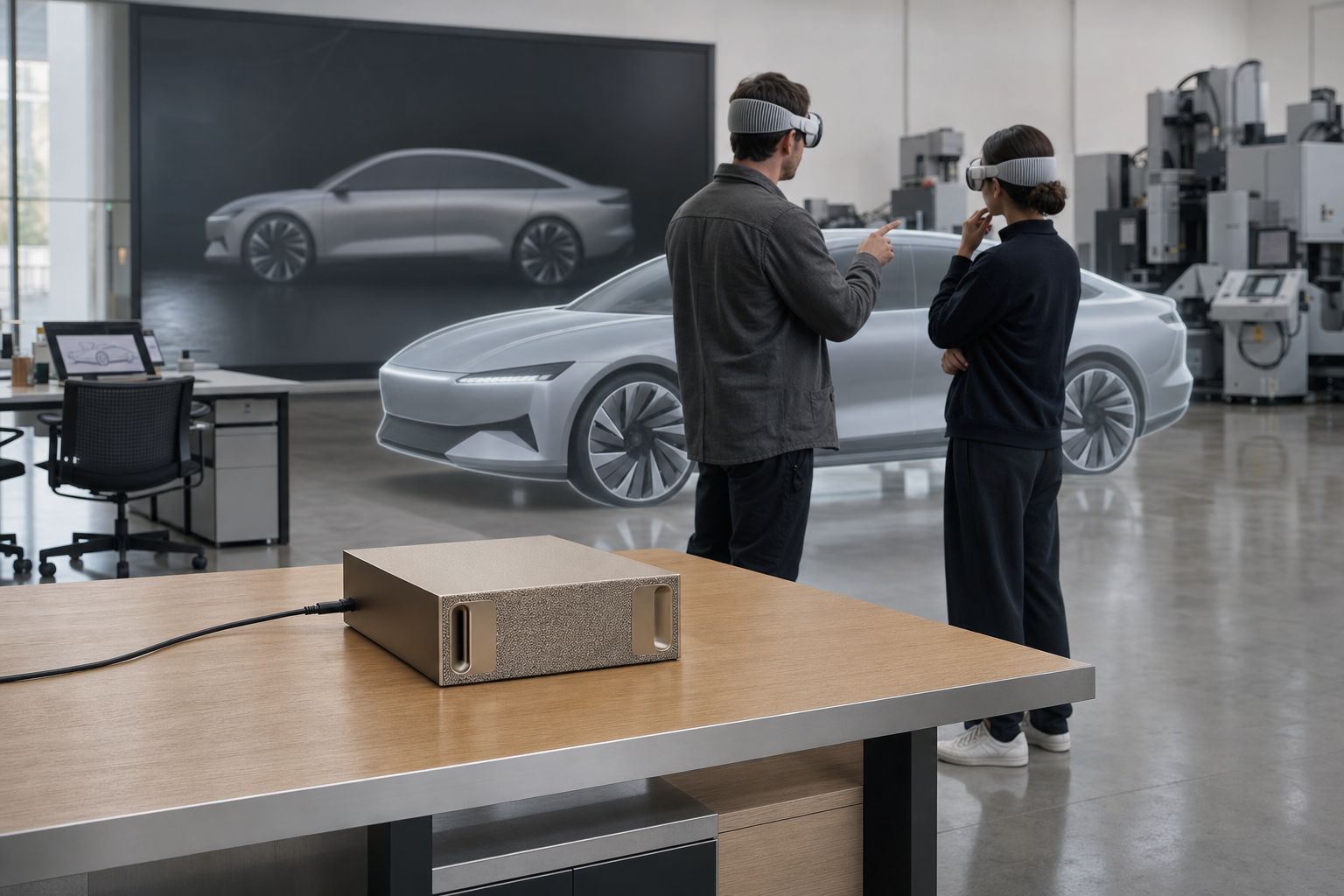
Listens, observes, remembers
Mirror your Vision Pro to the DGX Spark on your desk. Halo hears every conversation and sees the same scene you do — then turns the meeting into a structured record of decisions, owners, and timestamps you can act on.
%20--%3e%3cpath%20d='M17.73,0v114.51H0V0h17.73Z'/%3e%3cpath%20d='M51.88,114.5h-16.47V26.14h14.33l.72,7.34c4.84-5.91,11.46-8.95,19.52-8.95,14.68,0,22.92,10.74,22.92,30.98v59h-16.47v-58.64c0-11.82-3.94-16.65-11.46-16.65-6.09,0-10.39,3.04-13.07,6.98v68.3h-.02Z'/%3e%3cpath%20d='M124.94,114.5h-16.47V26.14h14.33l.72,7.34c4.84-5.91,11.46-8.95,19.52-8.95,14.68,0,22.92,10.74,22.92,30.98v59h-16.47v-58.64c0-11.82-3.94-16.65-11.46-16.65-6.09,0-10.39,3.04-13.07,6.98v68.3h-.02Z'/%3e%3cpath%20d='M236.85,86.39c0,17.01-9.85,29.72-28.83,29.72s-28.83-12.53-28.83-29.72v-31.78c0-17.19,9.67-30.08,28.83-30.08s28.83,12.71,28.83,30.08v31.78ZM195.49,85.67c0,11.28,4.12,16.83,12.53,16.83s12.36-5.55,12.36-16.83v-30.53c0-11.28-3.94-16.83-12.36-16.83s-12.53,5.55-12.53,16.83v30.53Z'/%3e%3cpath%20d='M250.1,46.02c4.48-12.71,12.89-21.67,26.5-21.67,17.01,0,24.17,11.64,24.17,28.47v44.67c0,3.94,1.79,6.27,5.37,6.27h0l4.06,10.01c-3.09,1.3-7.1,1.81-9.79,1.81-6.8,0-10.92-3.04-13.43-7.16-4.83,5.19-10.92,7.52-18.08,7.52-12.89,0-21.13-9.85-21.13-24.89,0-16.47,8.59-29.19,32.05-29.19h4.48v-9.22c0-10.56-3.22-14.5-9.85-14.5-5.73,0-10.21,4.12-13.25,12.89l-11.1-5.01ZM284.3,97.13v-23.1h-4.48c-12,0-16.29,5.73-16.29,15.58,0,10.56,3.76,13.97,9.31,13.97,5.2,0,8.6-2.15,11.46-6.45Z'/%3e%3cpath%20d='M356.82,50.85c-2.15-8.95-6.44-12.35-12.18-12.35-7.7,0-12.36,4.83-12.36,16.65v30.35c0,11.82,4.48,16.83,12.36,16.83,6.09,0,10.03-3.58,12.36-12.89l12.36,3.94c-3.58,14.32-12.36,22.74-26.14,22.74-18.26,0-27.22-13.61-27.22-29.9v-31.6c0-16.83,9.13-30.08,27.22-30.08,12.89,0,22.2,8.24,25.78,22.2l-12.18,4.11Z'/%3e%3cpath%20d='M416.63,43.15h-17.01v48.61c0,7.34,3.4,10.92,9.13,10.92,2.33,0,3.38-.11,4.47-.54l3.76,9.85c-3.76,2.33-8.42,3.94-14.15,3.94-13.61,0-19.7-8.41-19.7-24.71v-47.18l-9.31-2.33v-11.63l10.21-.72.57-14.93,15.01-4.77v20.05h17.01v13.44h0Z'/%3e%3cpath%20d='M446.53,26.14v88.36h-16.47V26.14h16.47ZM445.64,0v17.55h-14.86V0h14.86Z'/%3e%3cpath%20d='M500.79,114.5h-18.8l-24.35-88.36h18.08l15.76,72.07,15.94-72.07h18.08l-24.71,88.36Z'/%3e%3cpath%20d='M548.06,73.41v12.08c0,11.28,4.66,16.83,13.25,16.83,6.8,0,10.56-3.76,13.43-14.15l12.36,3.94c-3.76,16.29-12.36,23.99-27.4,23.99-18.26,0-27.93-12.89-27.93-30.08v-31.6c0-16.83,9.49-29.9,27.93-29.9s27.04,13.25,27.04,30.62v18.26h-38.68ZM548.06,62.49h23.82v-8.77c0-10.74-4.12-15.76-11.82-15.76-8.24,0-12,5.19-12,15.76v8.77Z'/%3e%3cpath%20d='M614.75,107.12c0,4.4-3.69,8.99-8.77,8.99s-8.77-4.59-8.77-8.99v-1.23c0-4.4,3.62-8.92,8.77-8.92s8.77,4.52,8.77,8.92v1.23ZM599,107.12c0,3.88,2.87,7.2,6.9,7.2s7.13-3.32,7.13-7.2v-1.23c0-3.95-2.95-7.28-7.13-7.28s-6.9,3.32-6.9,7.28v1.23ZM605.91,107.94h-1.34v3.77h-2.31v-10.86h4.03c2.69,0,3.95,1.34,3.95,3.51,0,1.64-.75,2.84-2.16,3.21l2.61,4.14h-2.46l-2.32-3.77ZM604.56,106.3h1.64c1.27,0,1.64-.67,1.64-1.87s-.37-1.72-1.64-1.72h-1.64v3.59Z'/%3e%3c/svg%3e)

An on-device AI agent that listens to your Vision Pro design review, captures every decision, and helps you act on them — running entirely on a single NVIDIA DGX Spark in your studio.
Mirror your Vision Pro to the DGX Spark on your desk. Halo hears every conversation and sees the same scene you do — then turns the meeting into a structured record of decisions, owners, and timestamps you can act on.

When the team agrees to hide a part, switch a variant, or try a different material, Halo proposes the VRED command. One click in the overlay applies it — humans stay in control of every edit.
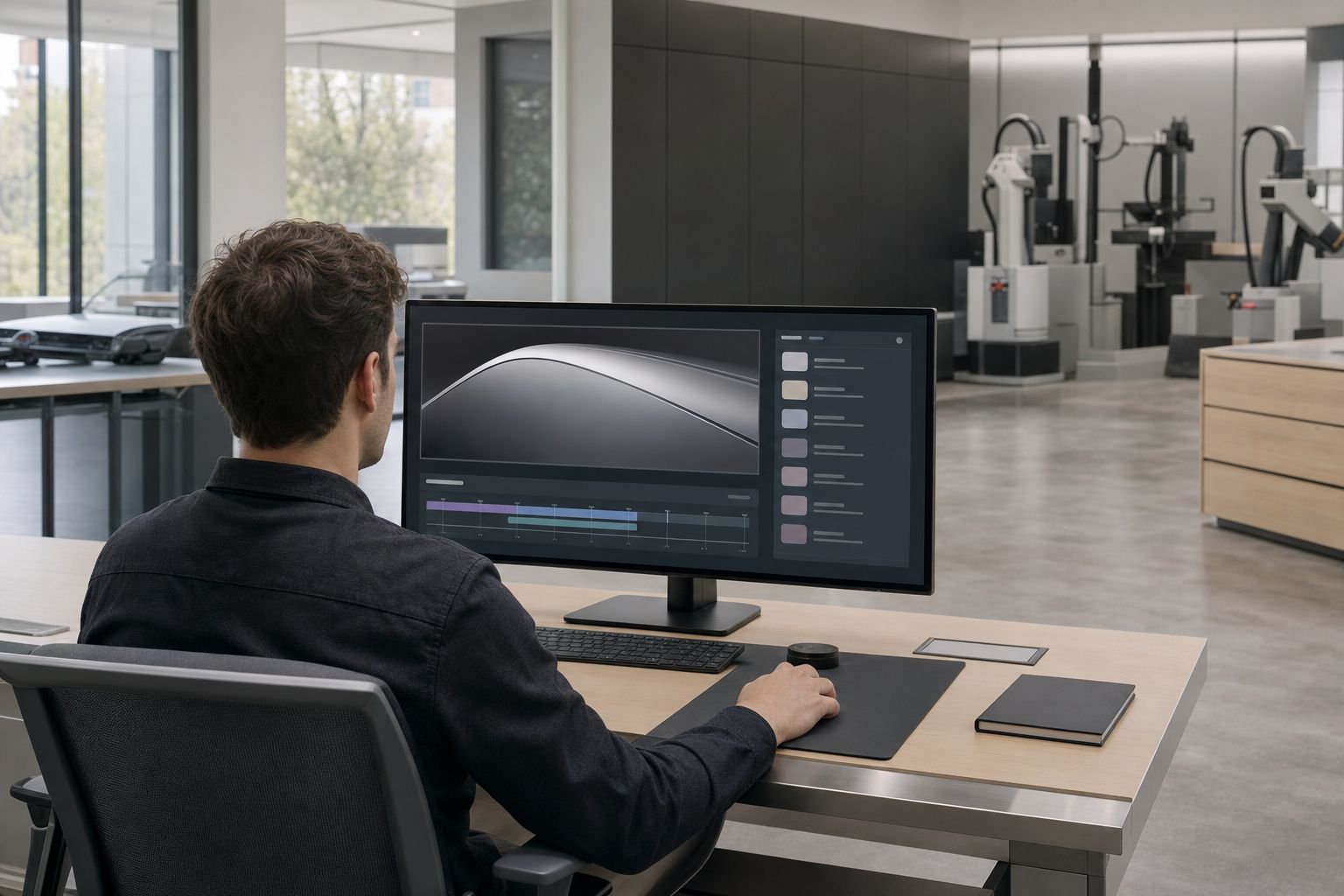
A teammate joins late, a stakeholder couldn't fly in, an engineer needs to execute a decision. Open the local replay viewer, jump to the decision they care about, watch what was said, see what was on screen.
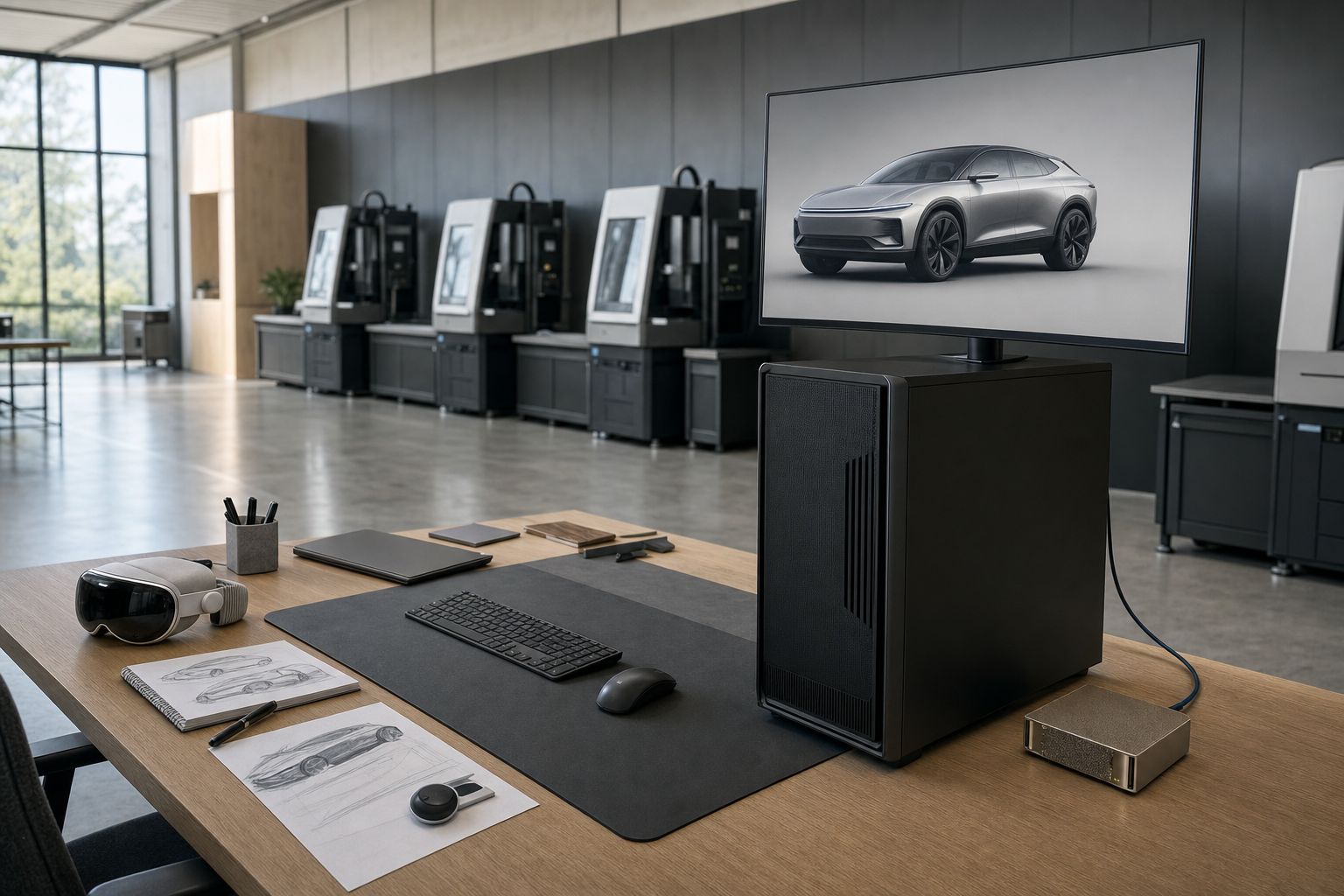
Halo runs on a single NVIDIA DGX Spark. Audio, video, transcripts, and decisions are stored on the device behind encryption — no cloud, no inference roundtrips, no exfiltration. The Spark talks to your VRED workstation over one Ethernet cable and to nothing else.
From Control Center on Vision Pro, pick the Spark from the screen mirroring list. The room view, your gaze, and the audio of everyone in the room arrive at Halo.
Halo runs the transcription, decision extraction, and scene reasoning locally on the Spark. You never talk to a chatbot; the agent stays quiet unless you ask.
When a decision implies a VRED change ("hide the rear bumper", "switch to the matte variant"), Halo offers the command for one-click approval in the overlay. Nothing changes in the scene without a human accept.
When the session ends, Halo writes a structured decision log, a synced replay, a PDF summary, and scene snapshots — all to the encrypted disk on the Spark, served on the local network for the people who need it.
Whisper-class speech recognition, a 30B-parameter agent LLM, a vision-language model, and a fast TTS — all on one workstation-class device on your desk.
Egress firewall closed. Models pre-baked into the appliance image. Halo never reaches the internet during a session, and your reviews never leave the room.
Auditable on-device behavior, signed update channel, and a deployment posture you can hand to IT and security without a cloud-vendor questionnaire attached.
No. Halo runs every model locally on the DGX Spark. The default appliance image ships with egress firewall closed; the only network surfaces are AirPlay from your Vision Pro and a single LAN port to the VRED workstation. Audio, video, transcripts, decisions, and snapshots are stored encrypted on the device.
A timed audio recording, the mirrored Vision Pro view, a transcript, a structured decision log (decision text, rationale, owner, due, related part, scene snapshot, timestamp, confidence), and periodic scene snapshots from VRED. Everything shares one session ID and a single timecode so replay stays in sync.
You do. A visible "Halo is listening" indicator and a one-tap end-session control are always reachable from inside the session. Halo never auto-starts; recording requires an explicit start from the host.
No. When the conversation implies a VRED edit, Halo proposes it as a queued command in the overlay. The command only executes after a human taps Accept. The whitelist is intentionally narrow in v1 — visibility, variants, materials, and view snapshots.
The Innoactive Halo appliance — the integrated agent worker, decision logger, recorder, replay viewer, and VRED bridge — is sold as a per-Spark commercial license. Pilot pricing is available for early-access customers.
One NVIDIA DGX Spark for Halo, one Windows workstation with an NVIDIA RTX GPU running Autodesk VRED, one Apple Vision Pro per active reviewer, and a flat LAN between them. That's it.
A DGX Spark is the reference device, not a hard requirement. Halo runs on any DGX Spark–class device — for example the Lenovo ThinkStation PGX — or on a Linux PC with an NVIDIA RTX PRO 6000 GPU.
Per-Spark commercial license for the integrated Halo appliance. Includes the decision logger, recording and replay viewer, VRED bridge, airgap-hardened appliance image, and design-review onboarding session with the Innoactive team.
If your design reviews still depend on someone scribbling notes after a Vision Pro session, you're shipping silently. Halo runs in the room with you and writes the record for you — on hardware that never leaves your studio.
Innoactive Halo is what happens when a Vision Pro design review takes itself seriously. A compact NVIDIA DGX Spark sits in the room with you, mirrors your headset, listens to the conversation, watches the same scene, and writes the meeting down as it happens. When the team agrees on a change, Halo proposes the matching VRED command for a human to approve. When the meeting ends, Halo hands you a structured decision log, a replay anyone can scrub through, and a PDF summary — all stored encrypted on the device, none of it sent to the cloud.
