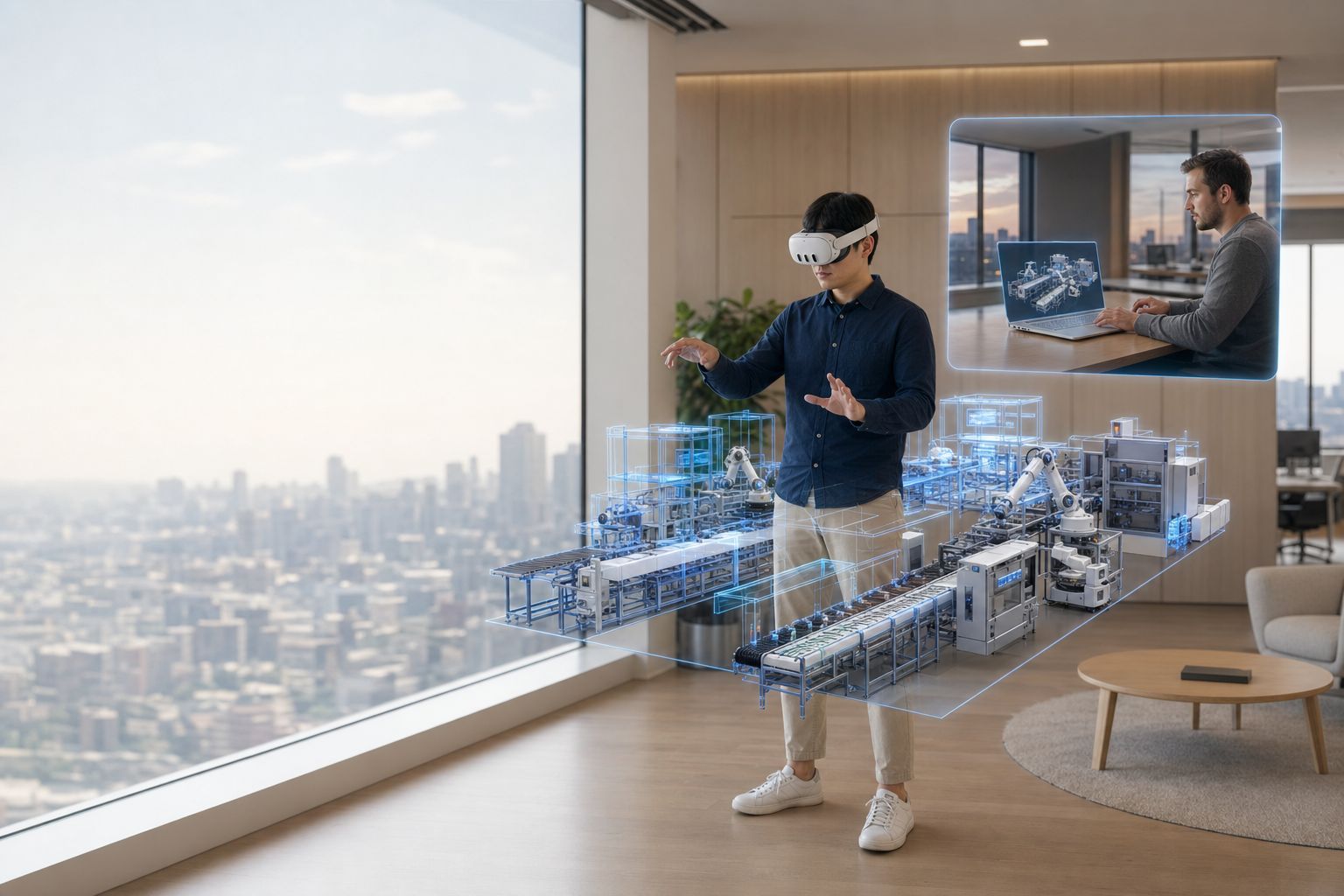
Wide cinematic shot of two collaborators in two different Innoactive customer offices in different geographic locations, both reviewing t...

Spatial streaming for enterprise digital twins built on NVIDIA Omniverse — on any device

Lower the barrier to entry and scale digital twins built on Omniverse Kit across your organization. Stream high-fidelity content from the cloud or on-premise — to XR headsets, iPads, and the browser — without per-seat workstations.

Launch, stream, and scale your Omniverse Kit application workflows

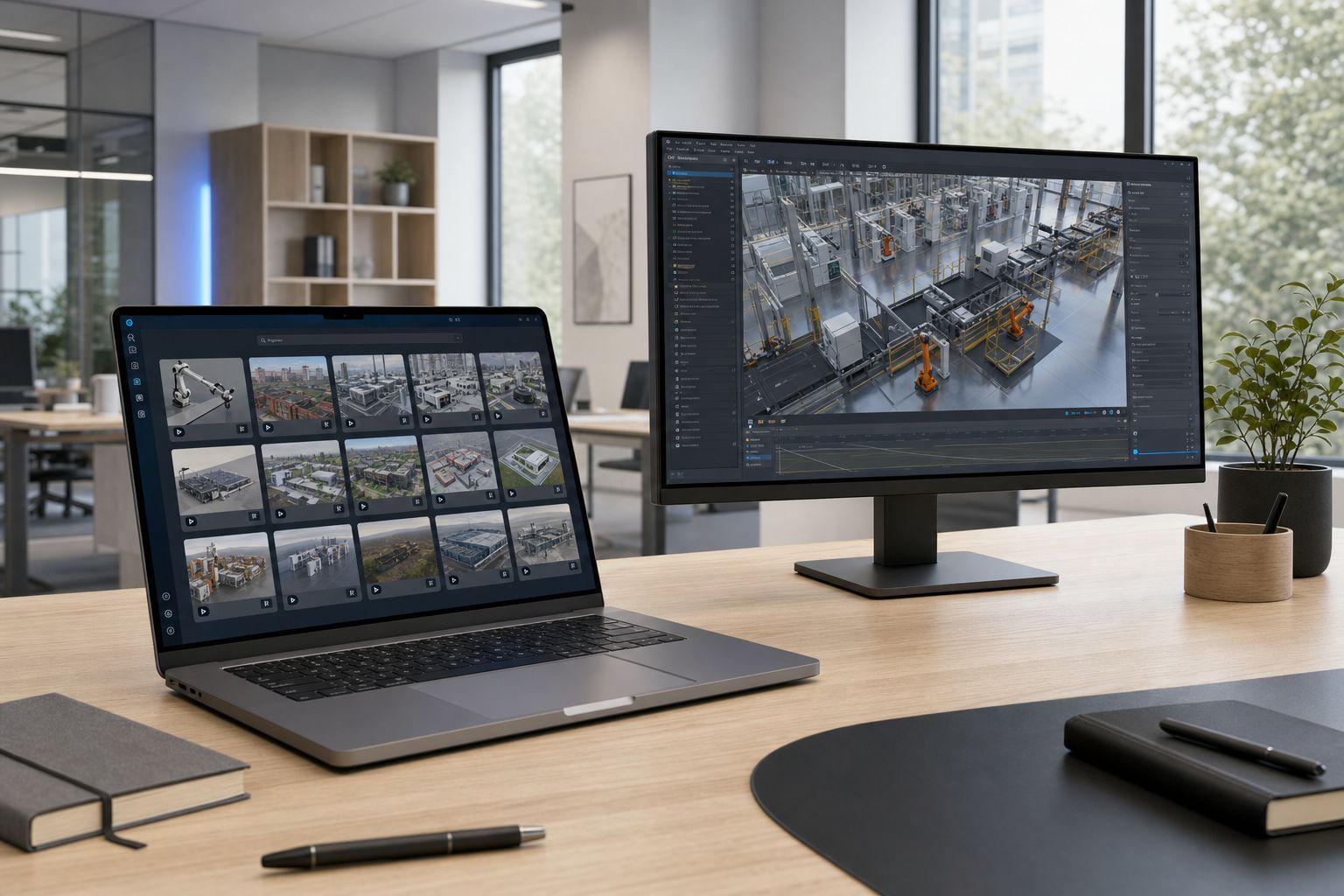
Cinematic shot of a clean modern desk inside an Innoactive customer office

Your launcher for Omniverse Kit applications

Innoactive Portal is the only enterprise launcher built to scale Kit-based applications. Publish a versioned, governed catalog of Omniverse Kit–based applications and let reviewers join with one click — no install, no per-seat workstation.
  • One-click launch
  • Versioned catalog
  • SSO + RBAC
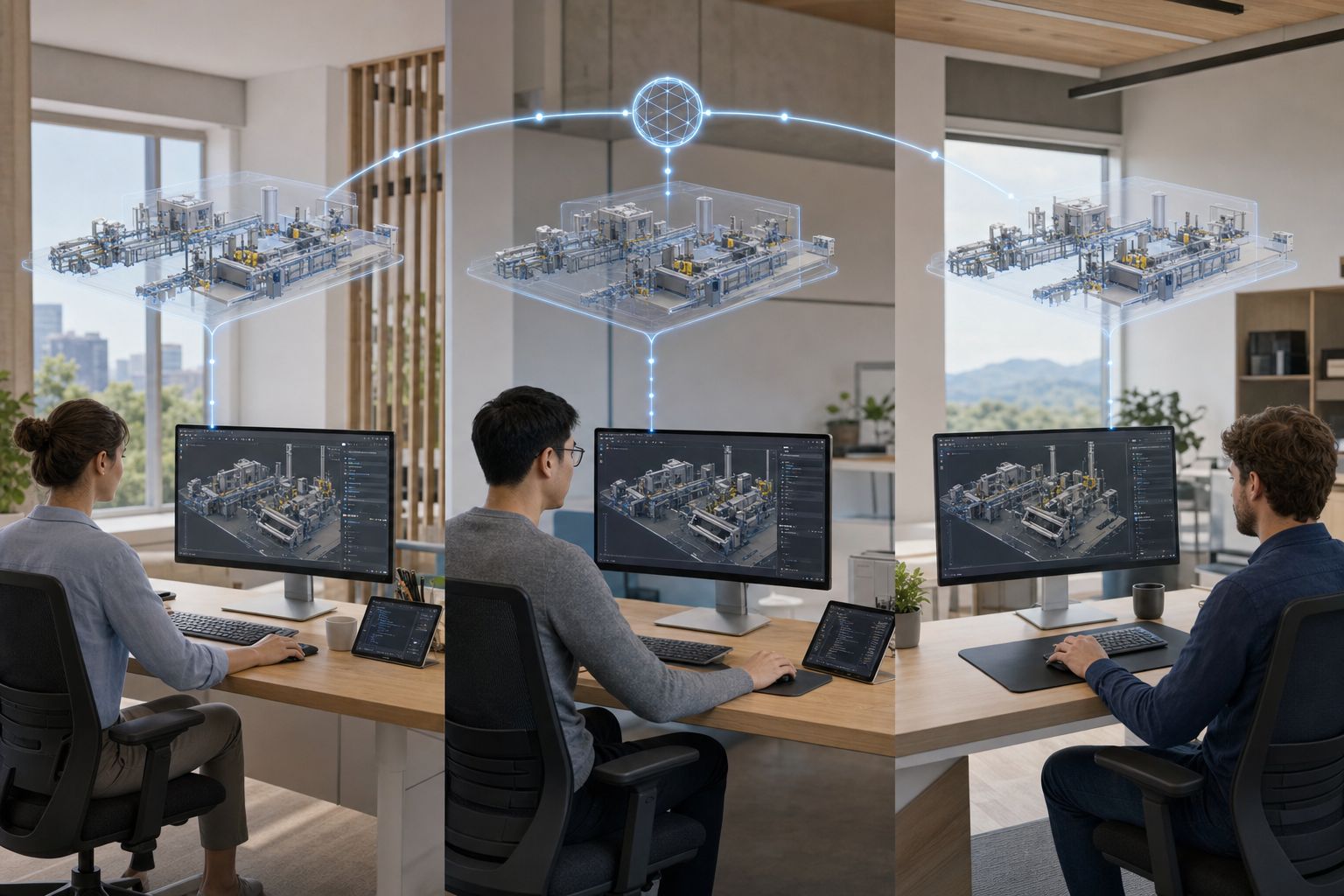
Wide cinematic shot of three engineers in three different Innoactive customer offices simultaneously editing the same USD scene of a manu...

Nucleus as a Service — or on-premise

Connect to your existing Nucleus, or consume a dedicated Nucleus-as-a-Service managed by Innoactive. Single sign-on and Live Sync keep collaboration in real time across sites.

  • SaaS Nucleus
  • On-premise Nucleus
  • Live Sync
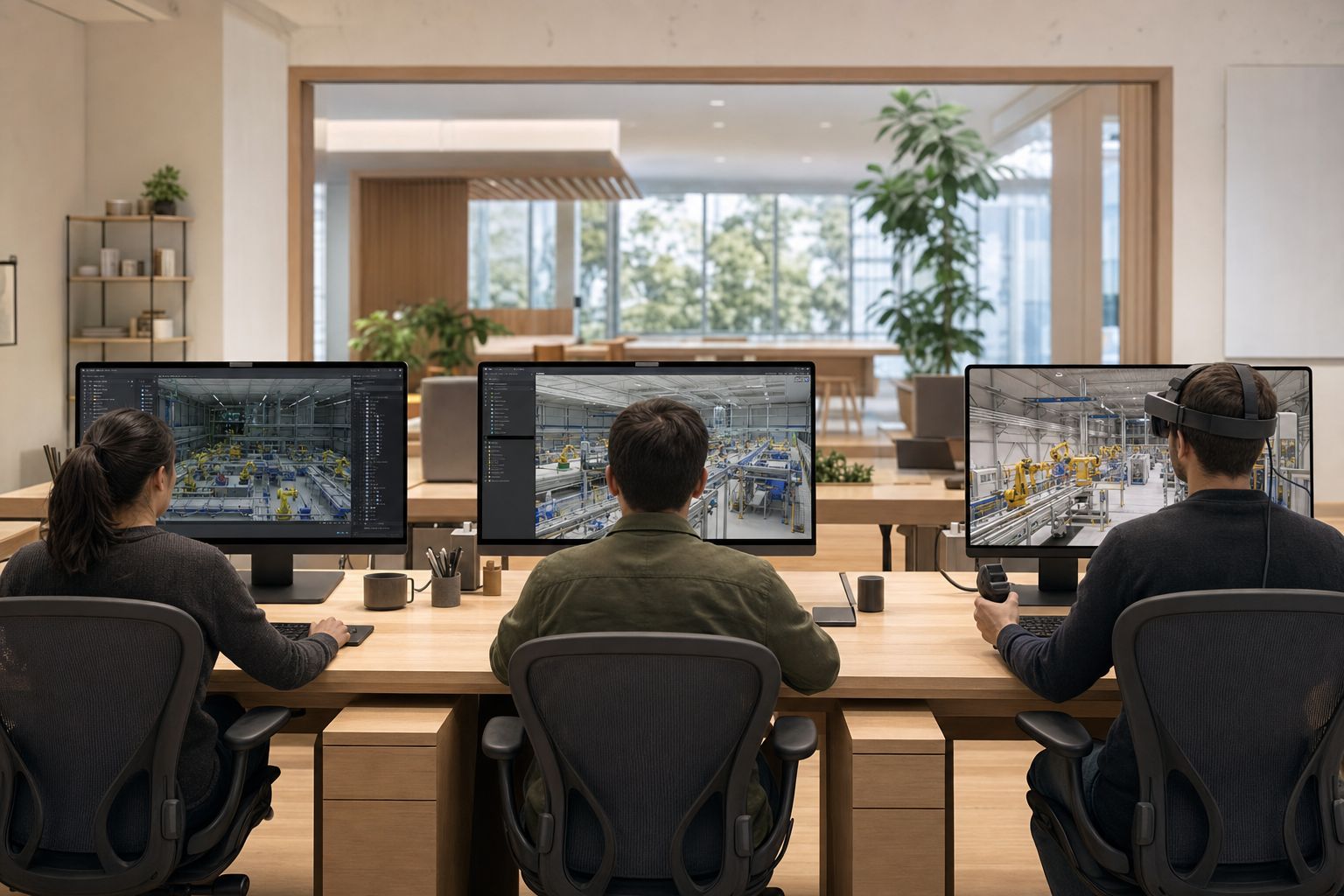
Cinematic shot of three workstations side-by-side inside a modern Innoactive customer studio, each running a different NVIDIA Omniverse a...

Maintained versions of Innoactive USD Composer, Explorer, and Viewer

Innoactive maintains production-ready builds of the core Innoactive USD applications — built on Omniverse Kit — so your teams get an out-of-the-box USD workflow, with no waiting on patch cycles to take a working dataset into review.

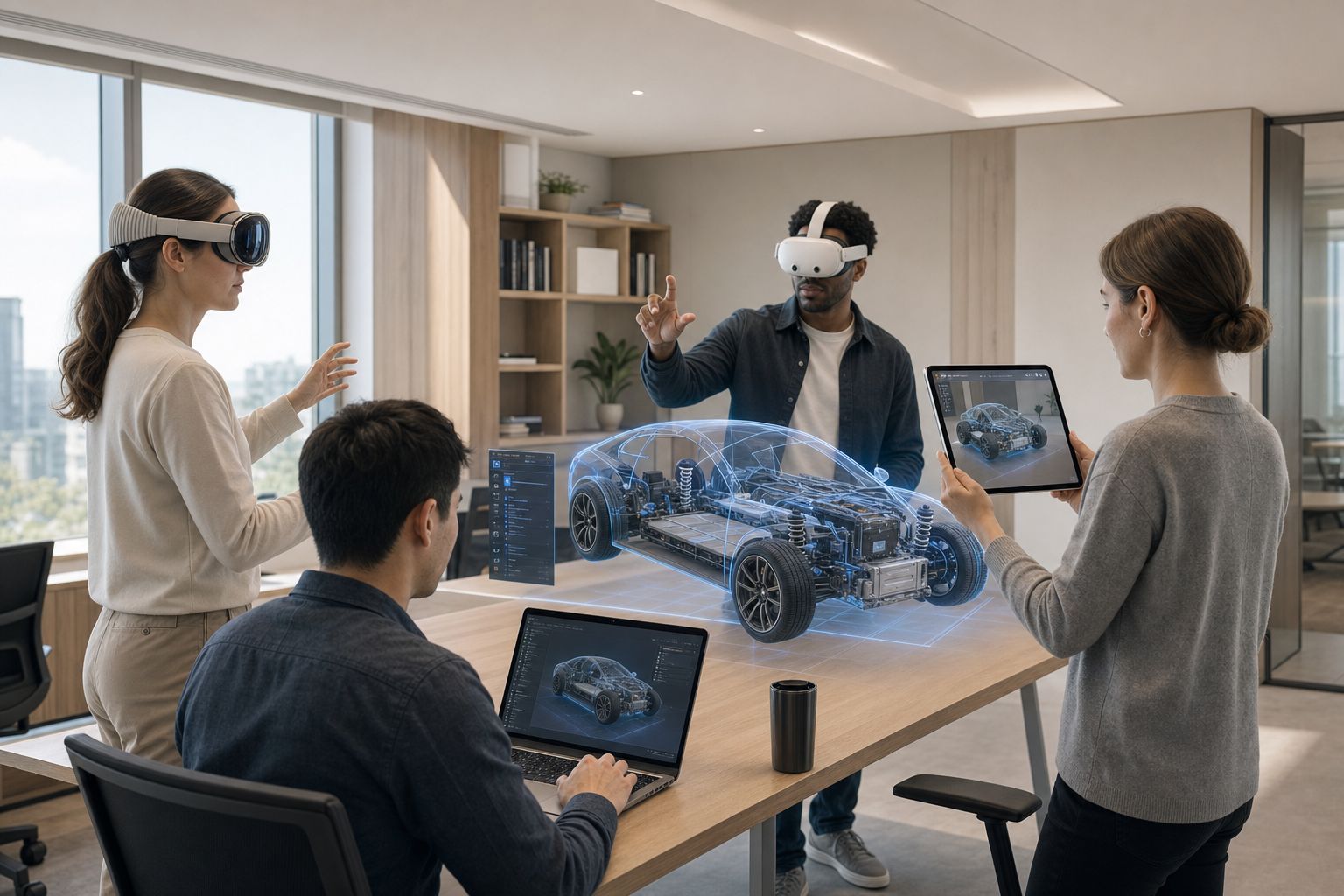
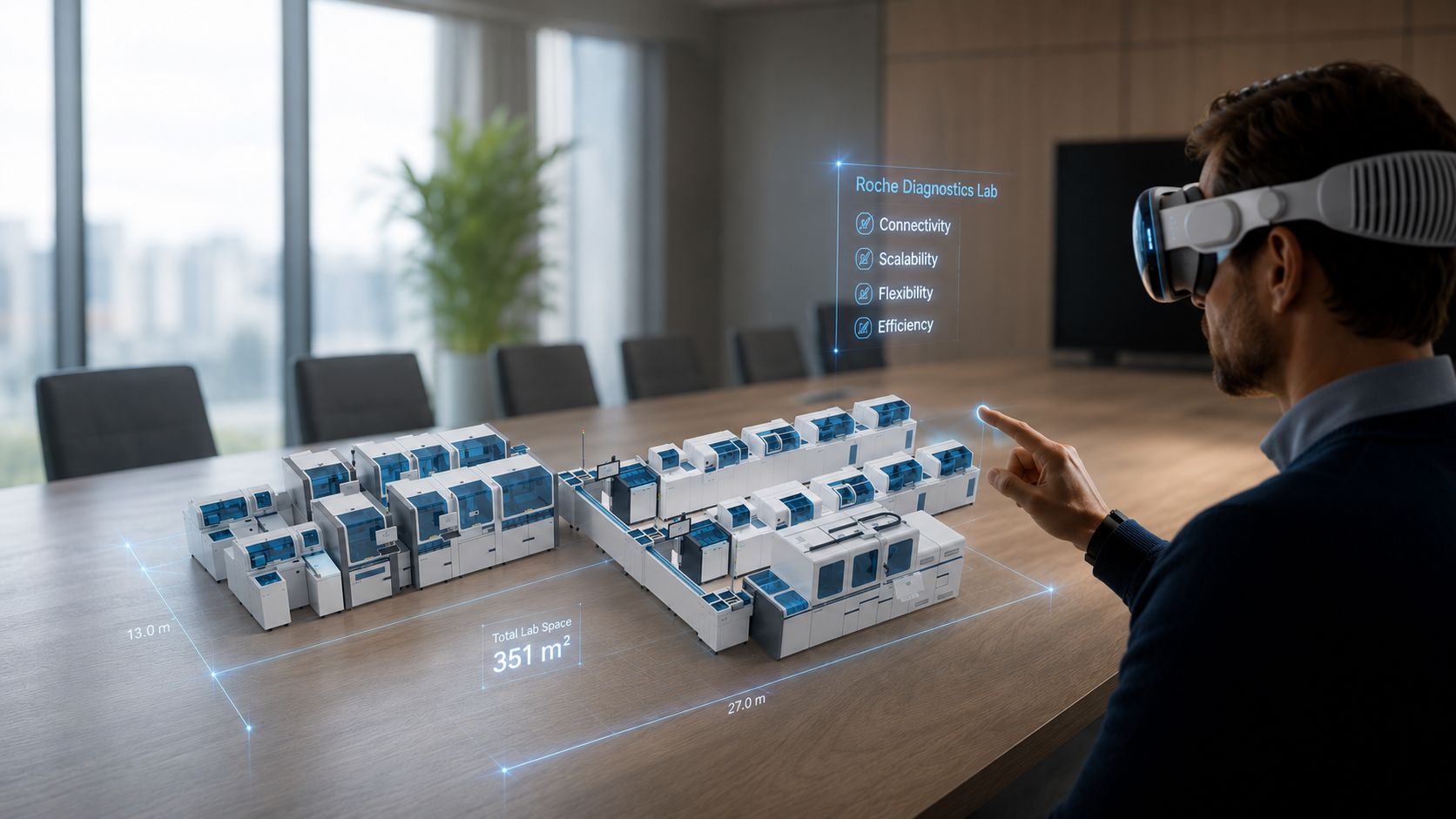
Wide cinematic shot of four reviewers gathered inside a modern Innoactive customer office around a shared NVIDIA Omniverse digital twin o...

Spatial streaming to every XR device

Stream the same Innoactive Kit-based application session to Apple Vision Pro, Meta Quest 3, Pico, HTC Vive, iPads in MR mode, and the browser — through NVIDIA CloudXR. Same scene, same state, different device per reviewer.

  • Apple Vision Pro
  • Meta Quest 3
  • Pico
  • HTC Vive
  • iPad MR
  • Browser
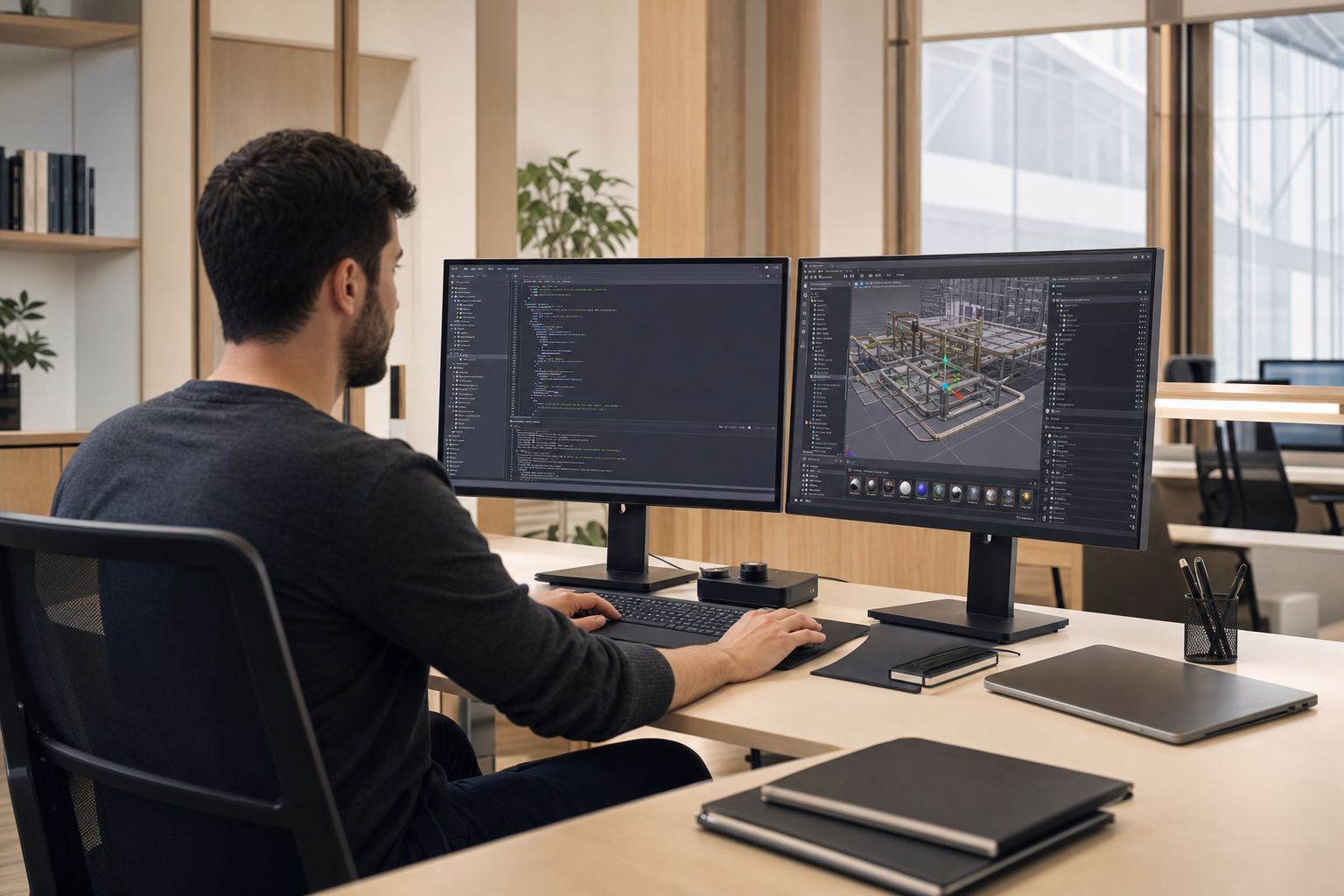
Cinematic shot of an enterprise developer at a workstation inside a modern Innoactive customer office building a custom NVIDIA Omniverse ...

Run your own custom Kit applications

Bring your proprietary Omniverse Kit extensions and applications onto the same streaming and governance plane. No fork in the toolchain — your custom apps deploy through the same Innoactive Portal catalog.

Two pieces, one platform

Apps

Innoactive USD Suite

Maintained builds of Innoactive USD Composer, Innoactive USD Explorer, and Innoactive USD Viewer — built on Omniverse Kit and ready to stream. Open OpenUSD scenes from Nucleus, review them spatially, and round-trip changes back into your pipeline.

Catalog

Off-the-shelf Kit Applications

A growing catalog of pre-built Kit applications you can publish to your team with one click. Bring your own custom Kit apps into the same catalog when you're ready.

How it works

  1. Connect Innoactive to your Omniverse Kit environment

    Innoactive Portal authenticates to your Nucleus (yours or ours) using existing identity. No content duplication, no shadow library.

  2. Publish Kit applications to a managed catalog

    Add off-the-shelf Kit apps or your own custom Kit apps. Innoactive Portal handles versioning, entitlement, and one-click launch links.

  3. Provision GPU capacity

    Run on Innoactive's public-cloud SaaS, on cloud GPUs in your own account, or on on-premise RTX servers. Pick the model that fits your data-residency and latency needs.

  4. Reviewers join from any device

    Vision Pro, Quest 3, Pico, Vive, iPad, or web browser — same session, same state. Multi-user sessions sync scene state and presence in real time.

Built for enterprises

Public-cloud SaaS

AWS-backed streaming with low-latency edge regions worldwide. Fastest time to first session — no infrastructure to deploy.

Private cloud or on-premise

Self-host Innoactive Portal in your own VPC, or run on on-premise RTX servers for ultra-low latency and full data control. Same product, same catalog.

Secure and scalable infrastructure

SSO, encrypted streaming, group-based access control, and audit logging. Designed to clear enterprise security reviews — not just demo to one team.

Real-world use cases

Manufacturing digital twin

Stream digital twins of factories and production lines — built on Omniverse Kit — for immersive planning, simulation, and operations reviews across global sites without per-site workstations.

Automotive design and engineering

Real-time, photorealistic, multi-user design reviews using Omniverse Kit–based applications — collaborate on the same vehicle in real-time across studios.

Architecture visualization

Interactive mixed-reality design validation and customer presentations of complex architectural models, streamed at full fidelity from cloud GPUs.

Roche scales Omniverse Kit–based applications with Innoactive Portal

Common questions

Do we need to run our own Nucleus server?

No. You can connect Innoactive Portal to an existing Nucleus, or to a dedicated Nucleus-as-a-Service managed by Innoactive. Both options support SSO and Live Sync.

Can we run our own custom Omniverse Kit–based applications?

Yes. Bring proprietary Kit extensions and applications and publish them through the same Innoactive Portal catalog as the off-the-shelf apps. Versioning, identity, and entitlement work the same way.

Which devices can reviewers use?

Apple Vision Pro, Meta Quest 3, Pico, HTC Vive, iPads in MR mode, and standard web browsers. Streaming uses NVIDIA CloudXR for XR devices and WebRTC for browsers and iPads.

Do I need to deploy in Innoactive's cloud?

No. Innoactive Portal runs as public-cloud SaaS, in your own cloud account (AWS, Azure, GCP), or on on-premise RTX servers. Pick the model that fits your data residency and latency requirements.

Stream multi-user Omniverse Kit–based application sessions in real time

Compatible with XR headsets, iPads, and web browsers — integrated with your existing Omniverse Nucleus, your identity provider, and your security controls.

Innoactive operationalizes NVIDIA Omniverse Kit for enterprise teams: Innoactive applications built on Omniverse Kit are cloud-rendered, identity-aware, version-controlled, and streamable to any device — from a laptop browser to an Apple Vision Pro on the shop floor.

"Innoactive's XR Streaming powers our Digital Reality Hub with NVIDIA Omniverse, OpenUSD, and Apple Vision Pro, enabling precise surface validation and early ergonomics decisions — no physical prototypes required."

— Dr. Axel Heinrich, Head of Innovation and Systems Architecture, Volkswagen AG

The Innoactive stack for Omniverse Kit has two pieces — the Innoactive USD Suite (maintained builds of Innoactive USD Composer, Explorer, and Viewer, all built on Omniverse Kit) and a growing catalog of off-the-shelf and custom Kit-based applications. They share one platform, one identity model, and one catalog, so what your team uses in a workshop is the same thing IT operates at scale.

Related posts

Related products

Related solutions

Related workflows