%20--%3e%3cpath%20d='M17.73,0v114.51H0V0h17.73Z'/%3e%3cpath%20d='M51.88,114.5h-16.47V26.14h14.33l.72,7.34c4.84-5.91,11.46-8.95,19.52-8.95,14.68,0,22.92,10.74,22.92,30.98v59h-16.47v-58.64c0-11.82-3.94-16.65-11.46-16.65-6.09,0-10.39,3.04-13.07,6.98v68.3h-.02Z'/%3e%3cpath%20d='M124.94,114.5h-16.47V26.14h14.33l.72,7.34c4.84-5.91,11.46-8.95,19.52-8.95,14.68,0,22.92,10.74,22.92,30.98v59h-16.47v-58.64c0-11.82-3.94-16.65-11.46-16.65-6.09,0-10.39,3.04-13.07,6.98v68.3h-.02Z'/%3e%3cpath%20d='M236.85,86.39c0,17.01-9.85,29.72-28.83,29.72s-28.83-12.53-28.83-29.72v-31.78c0-17.19,9.67-30.08,28.83-30.08s28.83,12.71,28.83,30.08v31.78ZM195.49,85.67c0,11.28,4.12,16.83,12.53,16.83s12.36-5.55,12.36-16.83v-30.53c0-11.28-3.94-16.83-12.36-16.83s-12.53,5.55-12.53,16.83v30.53Z'/%3e%3cpath%20d='M250.1,46.02c4.48-12.71,12.89-21.67,26.5-21.67,17.01,0,24.17,11.64,24.17,28.47v44.67c0,3.94,1.79,6.27,5.37,6.27h0l4.06,10.01c-3.09,1.3-7.1,1.81-9.79,1.81-6.8,0-10.92-3.04-13.43-7.16-4.83,5.19-10.92,7.52-18.08,7.52-12.89,0-21.13-9.85-21.13-24.89,0-16.47,8.59-29.19,32.05-29.19h4.48v-9.22c0-10.56-3.22-14.5-9.85-14.5-5.73,0-10.21,4.12-13.25,12.89l-11.1-5.01ZM284.3,97.13v-23.1h-4.48c-12,0-16.29,5.73-16.29,15.58,0,10.56,3.76,13.97,9.31,13.97,5.2,0,8.6-2.15,11.46-6.45Z'/%3e%3cpath%20d='M356.82,50.85c-2.15-8.95-6.44-12.35-12.18-12.35-7.7,0-12.36,4.83-12.36,16.65v30.35c0,11.82,4.48,16.83,12.36,16.83,6.09,0,10.03-3.58,12.36-12.89l12.36,3.94c-3.58,14.32-12.36,22.74-26.14,22.74-18.26,0-27.22-13.61-27.22-29.9v-31.6c0-16.83,9.13-30.08,27.22-30.08,12.89,0,22.2,8.24,25.78,22.2l-12.18,4.11Z'/%3e%3cpath%20d='M416.63,43.15h-17.01v48.61c0,7.34,3.4,10.92,9.13,10.92,2.33,0,3.38-.11,4.47-.54l3.76,9.85c-3.76,2.33-8.42,3.94-14.15,3.94-13.61,0-19.7-8.41-19.7-24.71v-47.18l-9.31-2.33v-11.63l10.21-.72.57-14.93,15.01-4.77v20.05h17.01v13.44h0Z'/%3e%3cpath%20d='M446.53,26.14v88.36h-16.47V26.14h16.47ZM445.64,0v17.55h-14.86V0h14.86Z'/%3e%3cpath%20d='M500.79,114.5h-18.8l-24.35-88.36h18.08l15.76,72.07,15.94-72.07h18.08l-24.71,88.36Z'/%3e%3cpath%20d='M548.06,73.41v12.08c0,11.28,4.66,16.83,13.25,16.83,6.8,0,10.56-3.76,13.43-14.15l12.36,3.94c-3.76,16.29-12.36,23.99-27.4,23.99-18.26,0-27.93-12.89-27.93-30.08v-31.6c0-16.83,9.49-29.9,27.93-29.9s27.04,13.25,27.04,30.62v18.26h-38.68ZM548.06,62.49h23.82v-8.77c0-10.74-4.12-15.76-11.82-15.76-8.24,0-12,5.19-12,15.76v8.77Z'/%3e%3cpath%20d='M614.75,107.12c0,4.4-3.69,8.99-8.77,8.99s-8.77-4.59-8.77-8.99v-1.23c0-4.4,3.62-8.92,8.77-8.92s8.77,4.52,8.77,8.92v1.23ZM599,107.12c0,3.88,2.87,7.2,6.9,7.2s7.13-3.32,7.13-7.2v-1.23c0-3.95-2.95-7.28-7.13-7.28s-6.9,3.32-6.9,7.28v1.23ZM605.91,107.94h-1.34v3.77h-2.31v-10.86h4.03c2.69,0,3.95,1.34,3.95,3.51,0,1.64-.75,2.84-2.16,3.21l2.61,4.14h-2.46l-2.32-3.77ZM604.56,106.3h1.64c1.27,0,1.64-.67,1.64-1.87s-.37-1.72-1.64-1.72h-1.64v3.59Z'/%3e%3c/svg%3e)
Innoactive Portal Streams Geospatial Data with Cesium and NVIDIA Omniverse Applications
Architecture, Construction, Oil & Gas and many other industries can benefit from real-time visualization of geospatial data. Combining Innoactive Portal with NVIDIA Omniverse and Cesium, any employee can access and stream OpenUSD projects to their office PC and even to their standalone virtual reality (VR) headset.
With Cesium for Omniverse, users can combine Universal Scene Description (OpenUSD) projects of buildings or plants with geospatial data of the area and visualize both in real time. Enterprises seek to scale up the usage of these apps for projects across corporate locations and teams, but buying a workstation for every single user can be expensive and inefficient.
Innoactive Portal helps to overcome that adoption barrier: it enables enterprises to stream their Cesium and NVIDIA Omniverse-powered OpenUSD projects in real time to a web browser on a standard office PC. If you use Omniverse XR extensions, you can also stream to a VR headset thanks to NVIDIA CloudXR. A normal office laptop and standalone VR headset (Meta Quest, HTC Vive XR Elite, Pico 4E or Lenovo VRX) combined with a high-speed internet connection will do.
Innoactive customers can install the Innoactive Omniverse Extension to create a sharing link to an Omniverse Nucleus-hosted OpenUSD project using Cesium data. This link enables employees without a dedicated workstation to access and stream tools and applications developed with Omniverse, including those using the Cesium Omniverse Extension, directly from the Innoactive Portal.
Innoactive Portal can also be self-hosted and allows configurations of both on-prem and cloud rendering resources.
Innoactive Portal supports SSO, so employees can directly click on a link to access and stream the Omniverse XR application to launch their work.
Secure your spot at NVIDIA GTC 2024, a global AI conference running March 18-21 at the San Jose Convention Center, to experience it at our booth in the XR Zone or reach out to Innoactive.
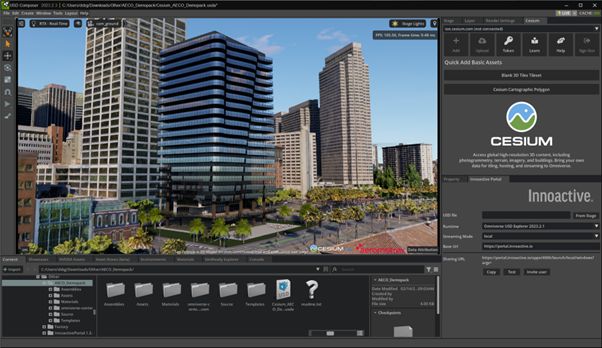
Picture: Cesium AECO demo pack in combination with Innoactive Omniverse Extension: Create a sharing link to render photorealistic architecture visualization in the cloud and stream it to any standard office PC or standalone VR headset.
More from Innoactive
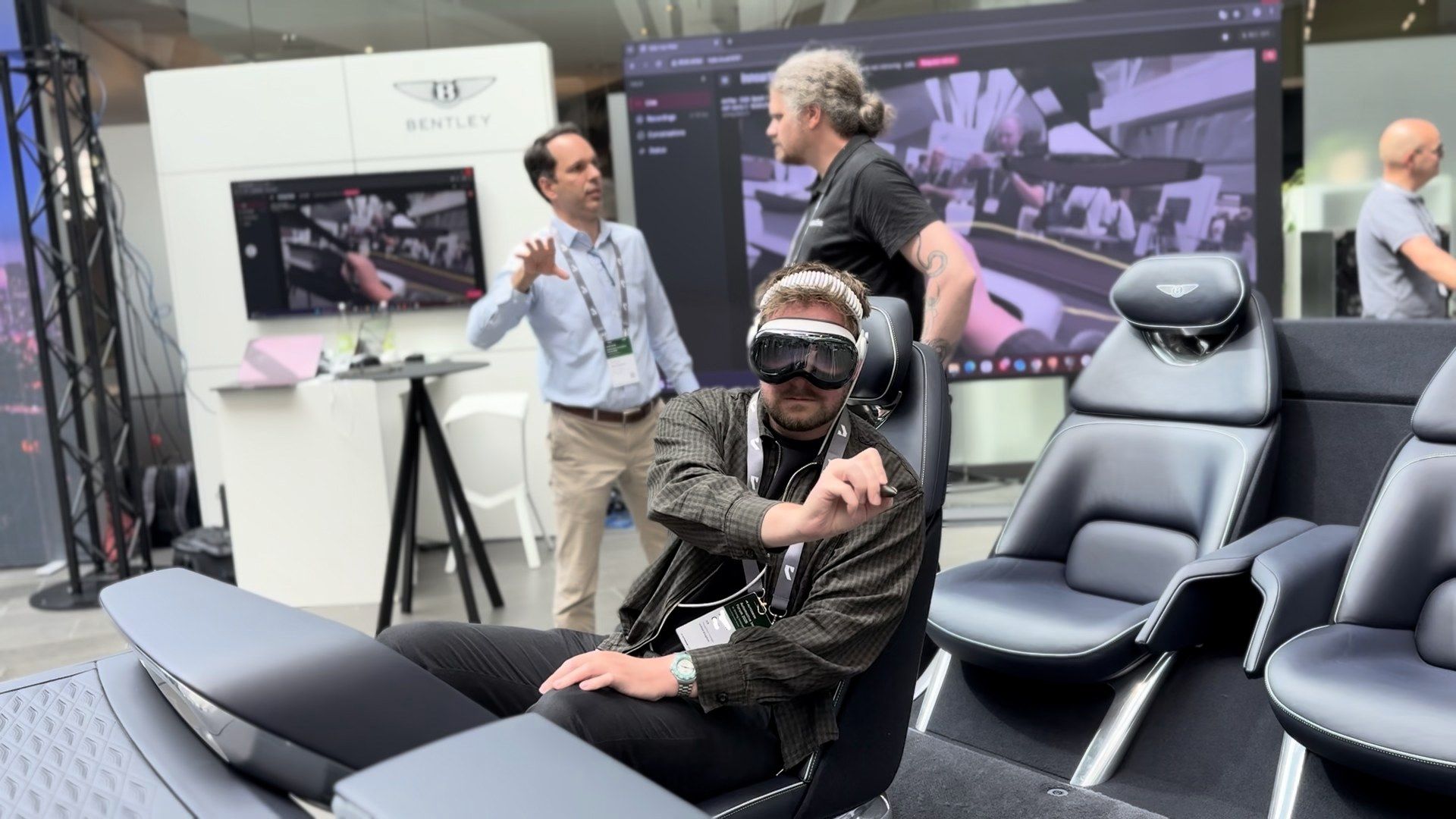
Anchoring the Digital Car to the Real World: How Innoactive Spatial Aligns to Your Seating Buck — and What WWDC Changes
A deep dive into the spatial anchoring methods behind automotive design review in Innoactive Spatial, how we lock a full-scale digital vehicle onto a physical seating buck today, and how Apple's WWDC announcements on active trackers and extended object tracking will make it even more precise and effortless.
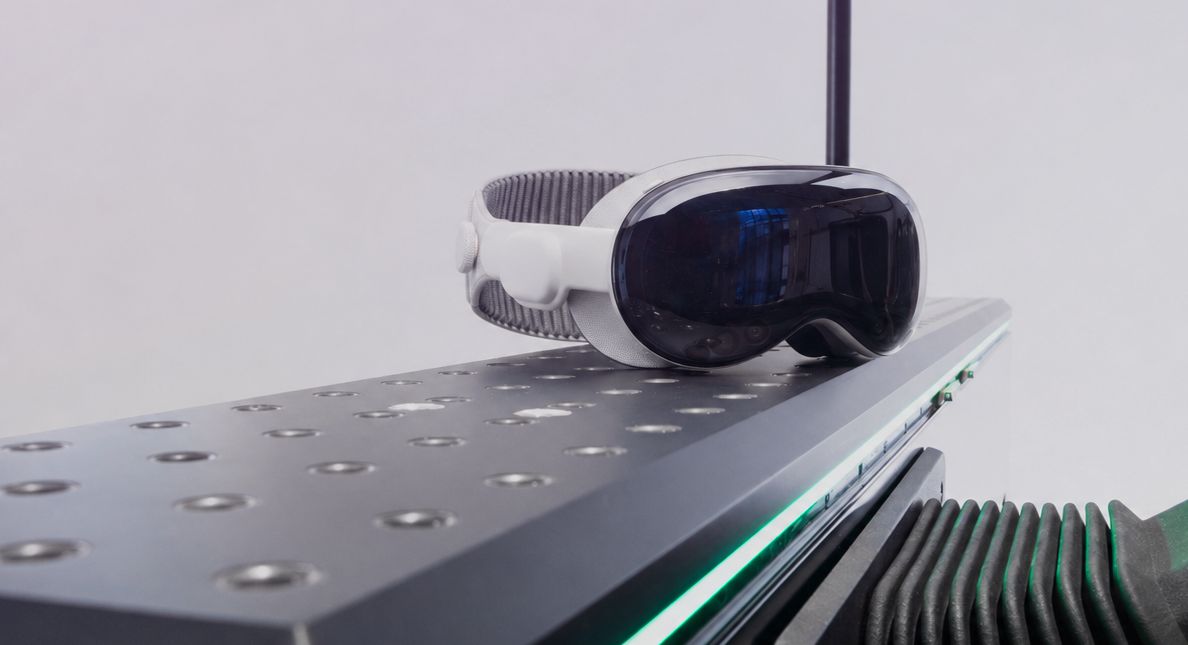
Innoactive Brings XR AI and Shared Spatial Experiences to the Autodesk Automotive Innovation Forum 2026
At AIF 2026, Innoactive teams up with NVIDIA, Lenovo, KIA, Bentley Motors, Granstudio, Renault, and Autodesk to show how Autodesk® VRED design reviews on Apple Vision Pro evolve — from AI-assisted variant configuration on the KIA Metavision, to multi-user passthrough reviews around a Bentley seating buck, to auto-aligned Renault Twingo reviews on Granstudio's DIGIPHY dynamic seating buck.
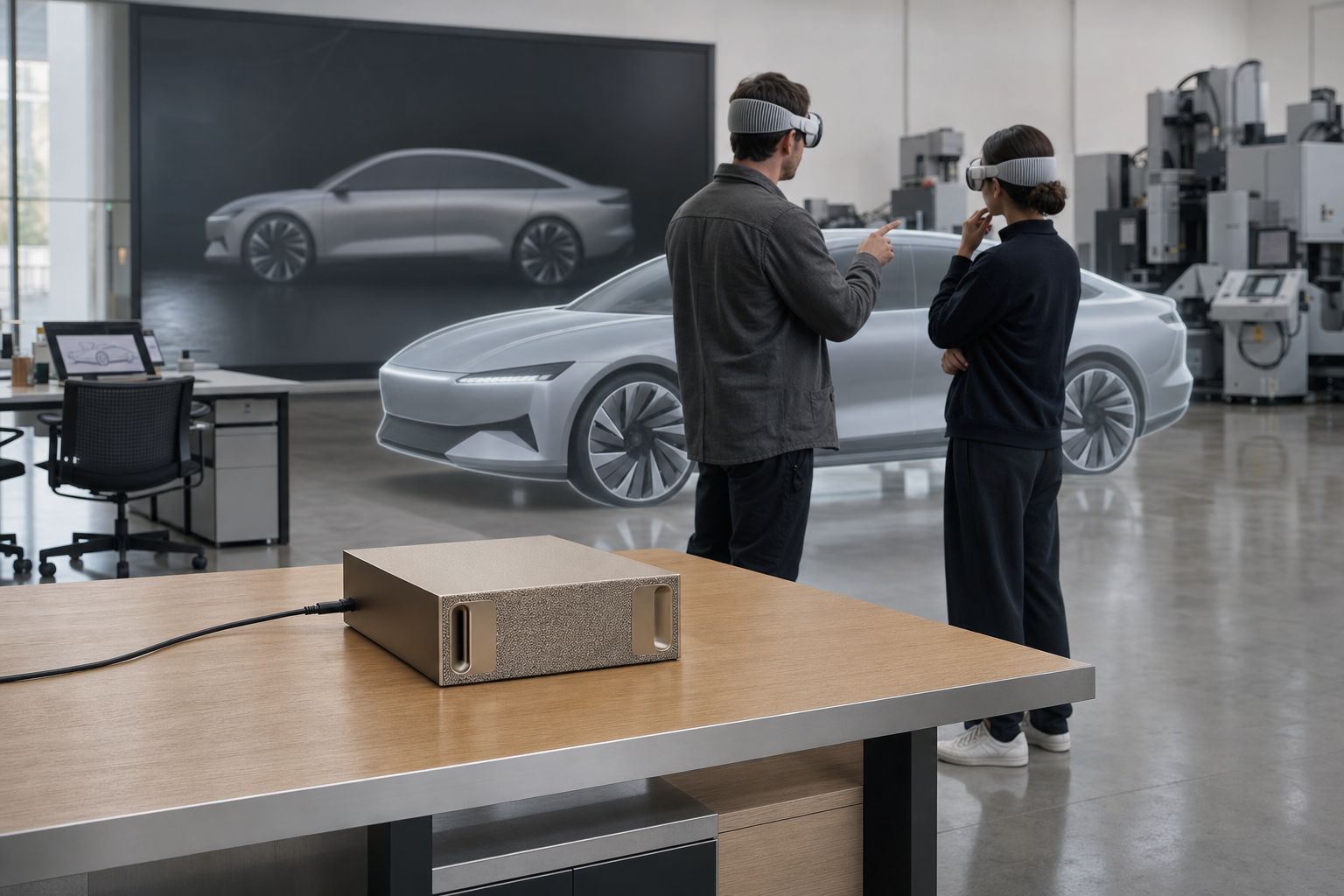
Introducing Innoactive Halo: An Airgapped AI Agent for Apple Vision Pro Design Reviews
Halo is an on-device AI agent that sits in your Vision Pro design review, captures every decision, and helps you act on it — running entirely on a single NVIDIA DGX Spark in your studio, with nothing sent to the cloud.